01Order management and fulfillment
Connect order intake, line items, pricing, preparation, picking, packing, delivery and status communication. Represent exceptions such as substitutions, partial fulfillment and cancellations explicitly. Each role sees the current work and the evidence it needs, while customers receive updates from the same operating record.
02Inventory and supply-chain coordination
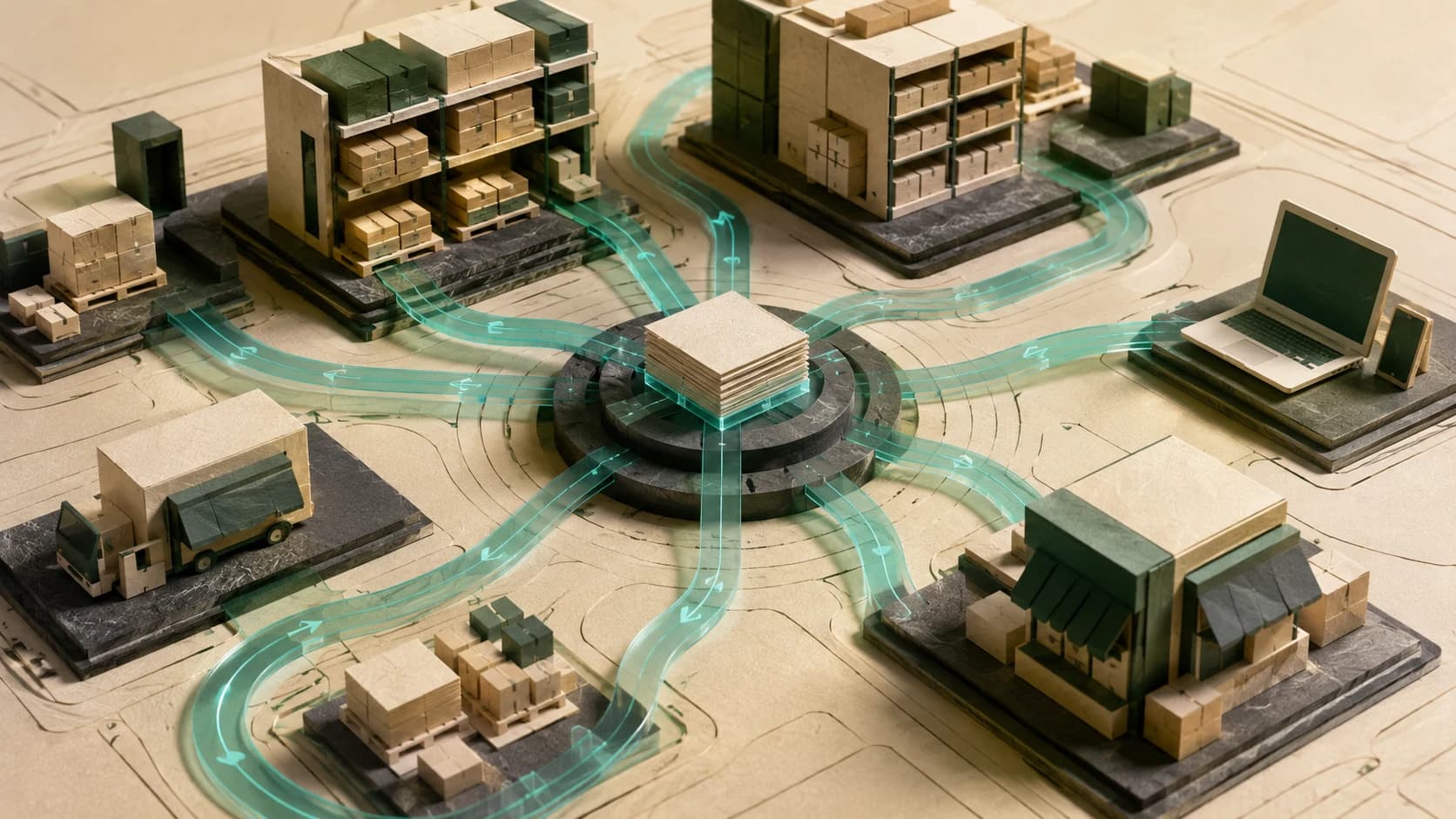
Connect stock, bills of materials, purchase orders and supplier acknowledgements to dated demand. Surface shortages, late commitments and component-readiness gaps before work is scheduled. Proposed purchasing, expediting and substitution decisions retain approval gates and traceability to the production or delivery promise they support.
03Scheduling, dispatch and field service
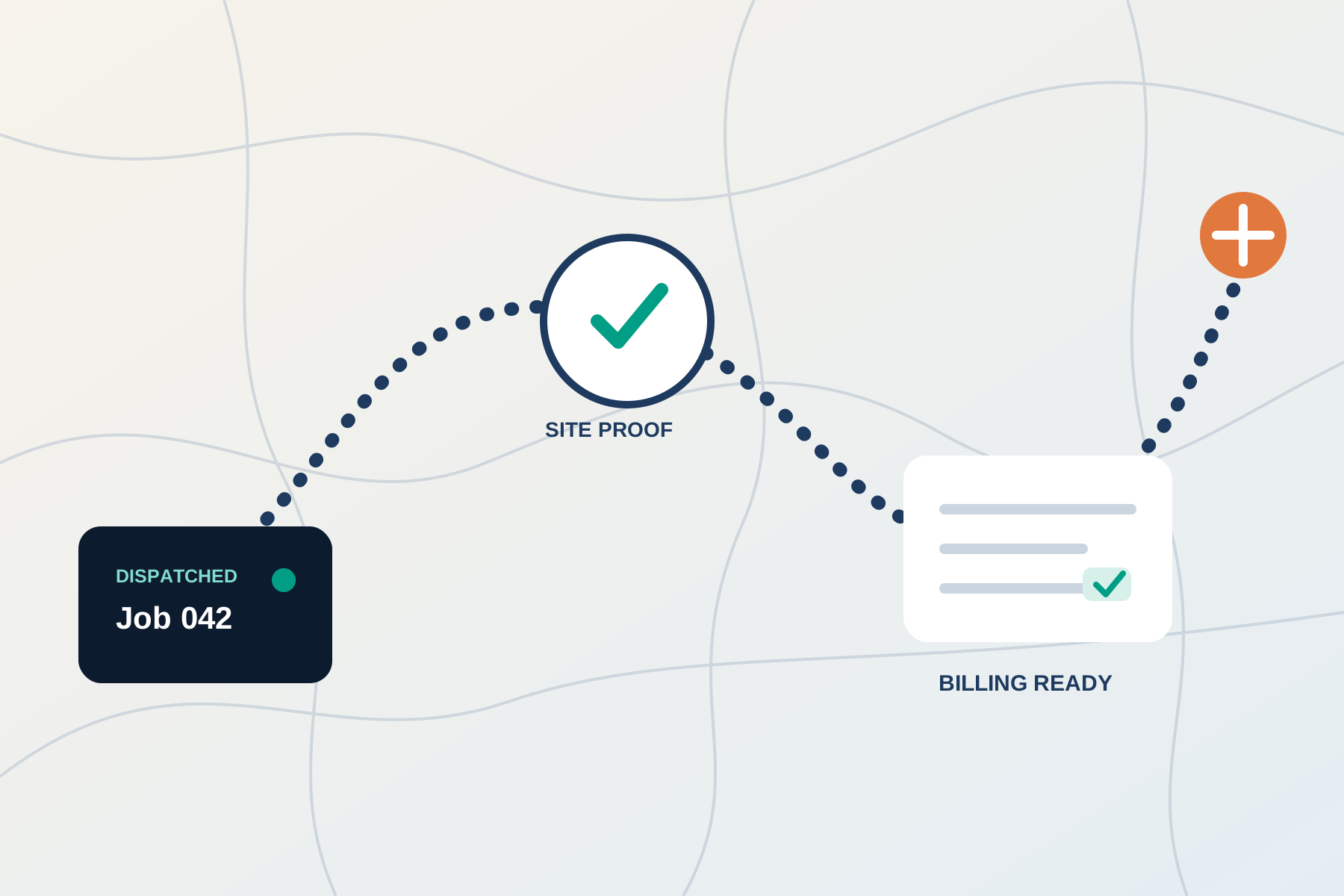
Create planning and dispatch views for jobs, availability, service requirements and accountable staff. Mobile or tablet interfaces can carry customer history, asset information, inspection photos and completion evidence into the field. Schedule changes and unusual conditions stay visible to the people who can resolve them.
04Supplier and vendor workflows
Turn quotations, purchase approvals, acknowledgements and delivery updates into a connected process. Track what was requested, agreed, changed and received. Missing responses or revised dates create owned exceptions, reducing the time planners spend reading email threads to reconstruct a supplier commitment.
05Billing and accounting handoff
Connect completed work to approved charges, invoice preparation and accounting records. Required evidence and commercial checks travel with the handoff. Payment authority, refunds, unusual discounts and margin-sensitive changes remain controlled decisions; automation does not remove financial review simply to move work faster.
06Operational dashboards and exception queues
Give management a current view of work in progress, delayed jobs, shortages, unresolved approvals and recurring bottlenecks. Build reporting from the same records staff use to operate. Every exception needs an owner, a reason and an action path so the dashboard supports decisions instead of becoming another status display.